Ship Swift
anywhere.
Swift Bundler provides everything you need to build and ship Swift apps for every major platform.
curl -fsSL https:/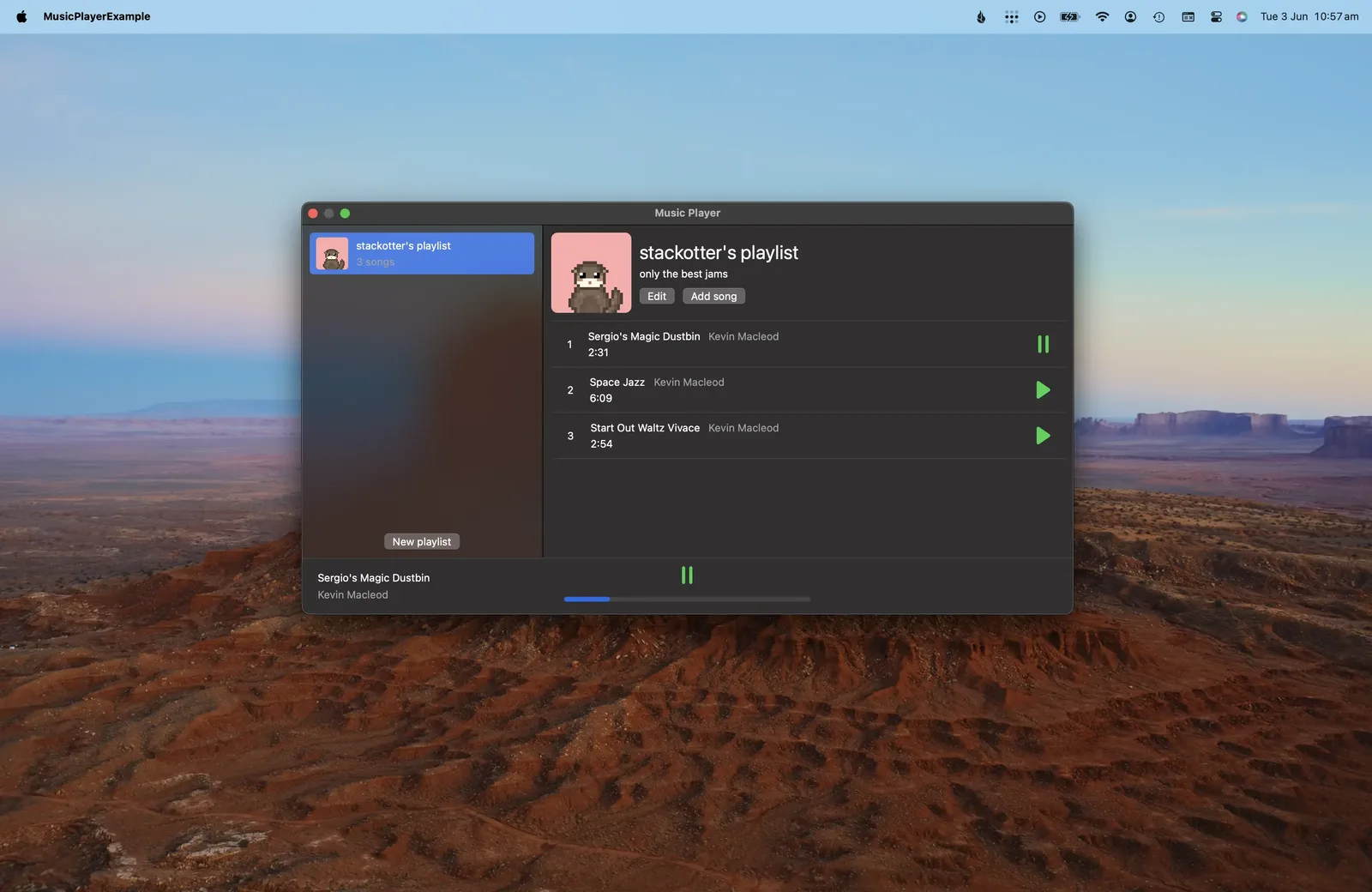
Better together
SwiftCrossUI + Swift Bundler
If you’re targeting seven platforms with Swift, there’s really only one option, and that’s SwiftCrossUI + Swift Bundler.
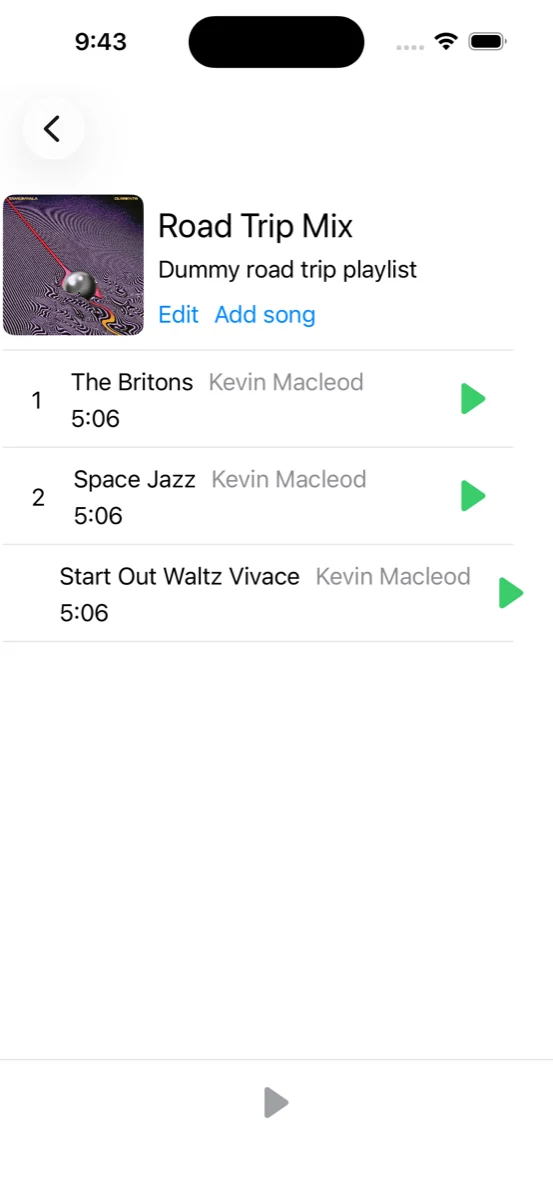
SwiftCrossUI gives you a unified, SwiftUI-style API for building native apps. Swift Bundler handles the platform-specific details that make those apps real: custom URL schemes, mobile permissions, signing and installers.
Powerful configuration.
Swift Bundler's powerful configuration format lets you tailor your app to every platform while sharing basic configuration between platforms.
Target common formats.
With one config file, Swift Bundler can produce a signed Apple bundle, a portable Linux directory, an AppImage, an RPM, a Windows installer or an Android APK.
Destination
macOS, iOS, tvOS & visionOS
Signing
Developer ID, provisioning profiles, ad-hoc fallback
Destination
Linux
Signing
Not supported (yet)
Destination
Linux
Signing
Not supported (yet)
Destination
Linux
Signing
Not supported (yet)
Destination
Windows
Signing
Certificate or Azure Artifact Signing
Destination
Windows
Signing
Executable and DLL signing supported
Destination
Android
Signing
Not supported (yet)
Adopt Swift Bundler at any stage.
Starting from scratch? Use a template to get a head start. Already have an app? Add a Bundler.toml config and start shipping to more platforms.
3.0 supercharges your workflow.
This release brings hot reloading, a rich overlay-based config system, and support for Windows, Linux, iOS and Android as first-class destinations.
Apps built with Swift Bundler.
Games, plugin managers, visualisers and utilities; all built with Swift Bundler.
Swipe to browse
Install Swift Bundler.
Pre-built packages for macOS, Linux and Windows.
Latest: v3.1.0 · November 2026 · all releases
Frequently asked questions.
If your questions isn't here, check the docs!
Yes. Swift Bundler projects are just SwiftPM packages with a Bundler.toml config file. Add a Bundler.toml beside Package.swift, point it at an executable product, and run.
Yes. Swift Bundler and SwiftCrossUI are designed to work together. The SwiftCrossUI template gives you a native SwiftUI-style UI (with hot reloading), while Swift Bundler handles platform-specific configuration such as URL schemes, permissions, signing and installers. Swift Bundler also works with any other UI library.
Swift Bundler still understands v2 configs. Migrate your config file with sbun config migrate to get access to the latest features. The command backs up your config at Bundler.toml.orig.
When targeting Apple platforms you must have Xcode installed to get access to Apple-only frameworks such as SwiftUI, AppKit and UIKit. You do not need to use Xcode as your editor, and you never need an .xcodeproj. If you like Xcode, sbun generate-xcode-support lets you run your apps from Xcode.
A Swift toolchain is required. On Linux you also need patchelf, plus rpmbuild or appimagetool depending on your target formats. On Windows, run from a Visual Studio Developer Command Prompt/PowerShell so that dumpbin is on PATH. Targeting Android requires a Swift Android SDK and an Android NDK.
Swift Bundler is Apache 2.0 licensed and maintained by moreSwift. Sponsorship through Open Collective funds maintenance and improved platform support.